
You plug your phone into your car every day just to get CarPlay working. It feels outdated. You get in, grab the cable, fumble around the center console, and think, “There has to be a better way.”
So you start looking at wireless adapters. Then things get confusing fast.
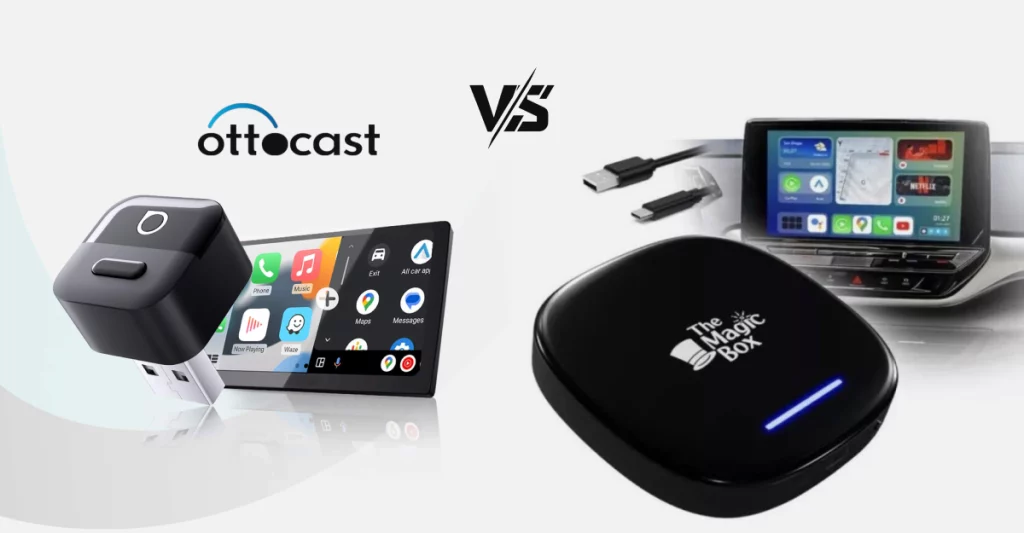
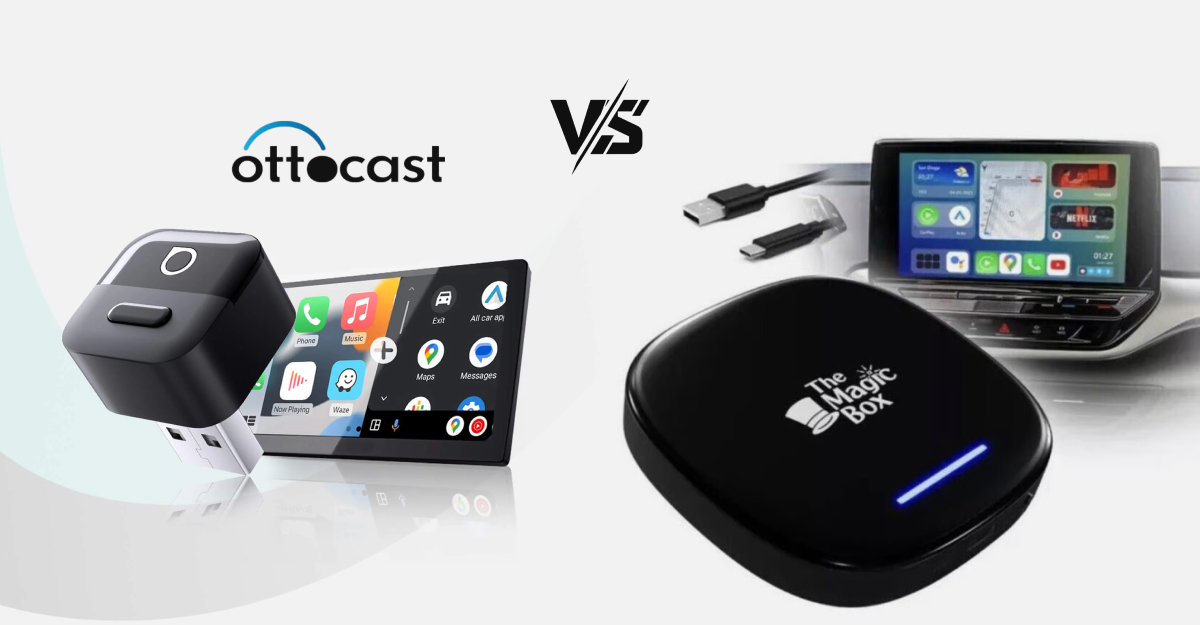
Otto Cast vs Magic Box becomes the comparison everyone talks about. Both promise wireless CarPlay. Both promise Android Auto. Both even promise streaming apps like YouTube and Netflix on your factory screen.
Guess what?
Here’s the thing…
They are not exactly the same type of product. And once you understand that, the decision becomes much clearer.
Let’s break it down the way a real driver would experience it.
Profile Comparison
Before getting into daily performance, it helps to look at the basic profile of each device. The table below outlines their background, hardware base, and positioning.
| Aspect | Otto Cast P3+ t | Magic Box 2.0 |
| Manufacturer | OttoCast (China-based tech firm; Shenzhen, China/Taiwan ops) | Transcend Carbox (global adapter specialist); Magic Brand / Transcend Carbox (global, China-based) |
| Launch Year | 2023 (updated 2025 models available; 2025 refreshes) | 2022 (2.0 version; 3.0 in 2025) |
| Primary Use | Wireless CarPlay/Android Auto + Streaming; Wireless CarPlay + Android streaming | Wireless upgrades + AI box features; AI box for entertainment upgrades |
| Target Vehicles | 2016+ wired CarPlay cars (Honda, Toyota); 2016+ CarPlay (universal) | Broad compatibility, focus on trucks/SUVs |
| Form Factor | Compact dongle (USB-C, 4x2x1 inches); Compact dongle (80g) | Slightly bulkier (USB-C, 5x2x1 inches); Bulkier (100g) |
| Weight | 80g | 100g |
| Colors Available | Black | Black, customizable skins |
| OS Base | Android 12 (upgradable) | Android 10; Android 10/13 (later) |
Now here’s what that actually means for you.
Otto Cast leans more toward being a performance-focused wireless adapter with built-in Android capability layered on top. It feels like a compact, tight package designed to stay hidden and just work.
Magic Box is closer to a mini Android computer for your car. It is slightly bulkier and feels more like an entertainment add-on than a pure connectivity upgrade.
If your goal is mainly “I just want wireless CarPlay and smooth performance,” Otto Cast feels more streamlined. If your mindset is “I want to turn my factory screen into a mini tablet,” Magic Box pushes harder in that direction.
Features Comparison of Otto Cast vs Magic Box
On paper, both devices look packed. The table below lays out the core features of Otto Cast vs Magic Box side by side.
| Feature | Otto Cast P3+ | Magic Box 2.0 |
| Wireless CarPlay | Yes (dual phone support); Yes, dual-phone | Yes (single device priority); Yes, single-focus |
| Wireless Android Auto | Yes | Yes; Wireless |
| OS | Android 12 (upgradable) | Android 10 |
| CPU | Qualcomm Snapdragon 680; Snapdragon 680 | MediaTek Helio G99; MediaTek/Helio |
| RAM/Storage | 8GB / 128GB | 4GB / 64GB |
| Streaming Apps | YouTube, Netflix, Hulu (1080p smooth); 1080p smooth (Netflix/YouTube) | YouTube, Netflix (moderate 4K); Moderate, 4K capable |
| Latency | 45ms audio; <2 min connect | 70ms audio; 3+ min connect |
| HDMI Output | Yes (TV mirroring); Yes / Info widgets | Yes (home entertainment); Yes / Vibrant customizable |
| UI Customization | Info widgets (weather, speed) | Vibrant widgets + shortcuts |
| OTA Updates | Automatic; Auto OTA | Manual |
| Split-Screen | Yes | Yes |
| Bluetooth/Wi-Fi | 5.0 / 6.0 (30ft range) | 5.0 / 5.0 |
Specs are one thing. Living with them is another.
In real driving use, the extra RAM and storage on Otto Cast make a noticeable difference if you multitask. If you are running navigation, streaming audio, and switching between apps, it feels smoother and less strained.
Magic Box can handle streaming and navigation, but when you stack heavier apps together, you may notice longer load times. It is not unusable. It just feels less powerful when pushed.
Startup time is another daily factor. Otto Cast typically reconnects faster after you start the car. Magic Box takes a bit longer to fully boot into its Android environment. If you do a lot of short trips, those extra minutes matter more than you think.
Where Magic Box stands out is interface personality. The widgets and shortcut layouts feel more playful. If you enjoy customizing your home screen and setting up quick app tiles, it offers more visual flexibility.
Business Comparison: Otto Cast vs Magic Box
Now let’s talk about the business side. Pricing, updates, and long-term support matter more than most buyers realize.
Here’s the practical takeaway that I feel-
Otto Cast positions itself as a premium option. You pay more upfront, but you get more frequent updates and slightly stronger warranty support. In my experience, that translates into better long-term stability.
Magic Box competes harder on price. It feels like a value-focused brand. If you are cost-conscious and want maximum features per dollar, that will appeal to you.
One thing to think about: these boxes rely on software. Update frequency matters. Automatic updates on Otto Cast make ownership easier. Manual updates on Magic Box are not difficult, but realistically, most drivers forget to do them.
Performance Insights
This is where Otto Cast vs Magic Box really separates.
In daily driving, Otto Cast connects faster after ignition. It also recovers better if your phone briefly disconnects. Audio latency is low enough that calls and voice commands feel natural.
Magic Box works reliably once fully booted, but it is slower to get there. If you remote start your vehicle or sit in the driveway for a minute before driving, you will not notice much difference. If you hop in and expect instant response, you will.
Under heat, both devices can warm up, especially in summer. Otto Cast seems to manage heat slightly better during long streaming sessions. Magic Box is fine for normal use, but extended video streaming on hot days can introduce small hiccups.
Neither device feels like factory integration. You are still running a layer on top of your car’s original system. But Otto Cast feels closer to stock smoothness overall.
Compatibility Notes
Both products require a factory wired CarPlay system to function properly. If your car only has wired Android Auto and no wired CarPlay, you need to double-check before buying.
In general, most 2016 and newer vehicles with wired CarPlay support should work. That includes popular Honda, Toyota, Ford, Hyundai, and Chevrolet models.
SUVs and trucks with larger infotainment screens tend to pair well, but some wide-screen or uniquely shaped displays may show scaling differences.
Always verify your exact model and year. Compatibility is rarely brand-wide. It is vehicle-specific.
Pros and Cons
(A) Otto Cast P3+
Pros
- Faster startup and reconnection
- Strong multitasking performance
- More consistent updates
- Better suited for heavy app use
Cons
- Higher price
- Interface is more functional than flashy
(B) Magic Box 2.0
Pros
- More affordable entry point
- Customizable home screen feel
- Good for streaming-focused setups
Cons
- Slower boot time
- Less powerful under heavier loads
- Manual update process
Neither is perfect. The right choice depends on how you drive and what annoys you most.
Real-User Scenarios
Daily commuter
If you mainly use maps, Spotify, and occasional calls, and you want it to connect quickly every morning, Otto Cast feels smoother and more predictable.
Long road trip driver
If you stack navigation, streaming, and maybe rear-seat entertainment via HDMI, Otto Cast handles sustained use better.
Streaming-heavy user
If your car doubles as a parked streaming lounge and you enjoy customizing the layout with app shortcuts, Magic Box makes that fun and flexible.
Tech-savvy customizer
If you enjoy tweaking Android layouts and experimenting with widgets, Magic Box offers more personality.
Budget-focused buyer
If price matters more than shaving off startup seconds, Magic Box delivers solid functionality for less money.
Final Recommendation
In the Otto Cast vs Magic Box debate, there is no universal winner.
If you care most about speed, smoother multitasking, and long-term update support, Otto Cast is the better fit. It feels more polished for drivers who just want their system to work every time they start the car.
If you are more budget-driven and want a customizable, entertainment-focused setup, Magic Box makes sense. It turns your screen into more of a media hub and costs less upfront.
The real question is simple.
Do you want a cleaner wireless upgrade that feels closer to factory integration?
Or do you want a mini Android entertainment box with more visual flexibility?
Choose based on how you actually drive. Not just on specs.
